Run recorded app workflows from your agent and check each save before moving on
Runs locally- Open source
- 3 GitHub stars
- Browser automation
Run recorded app workflows from your agent and check each save before moving on
Runs locally
Persistent memory for Claude Code, Codex and OpenCode, stored in SQLite on your machine
Runs locally
Run 56 web performance snippets in headless Chromium and read Core Web Vitals results
Runs locally
Free lookup an agent can query to see if a site permits AI agents to browse, shop or book
Not checked yet
Look up whether a website lets AI agents in, and the steps that worked, before visiting
Not checked yet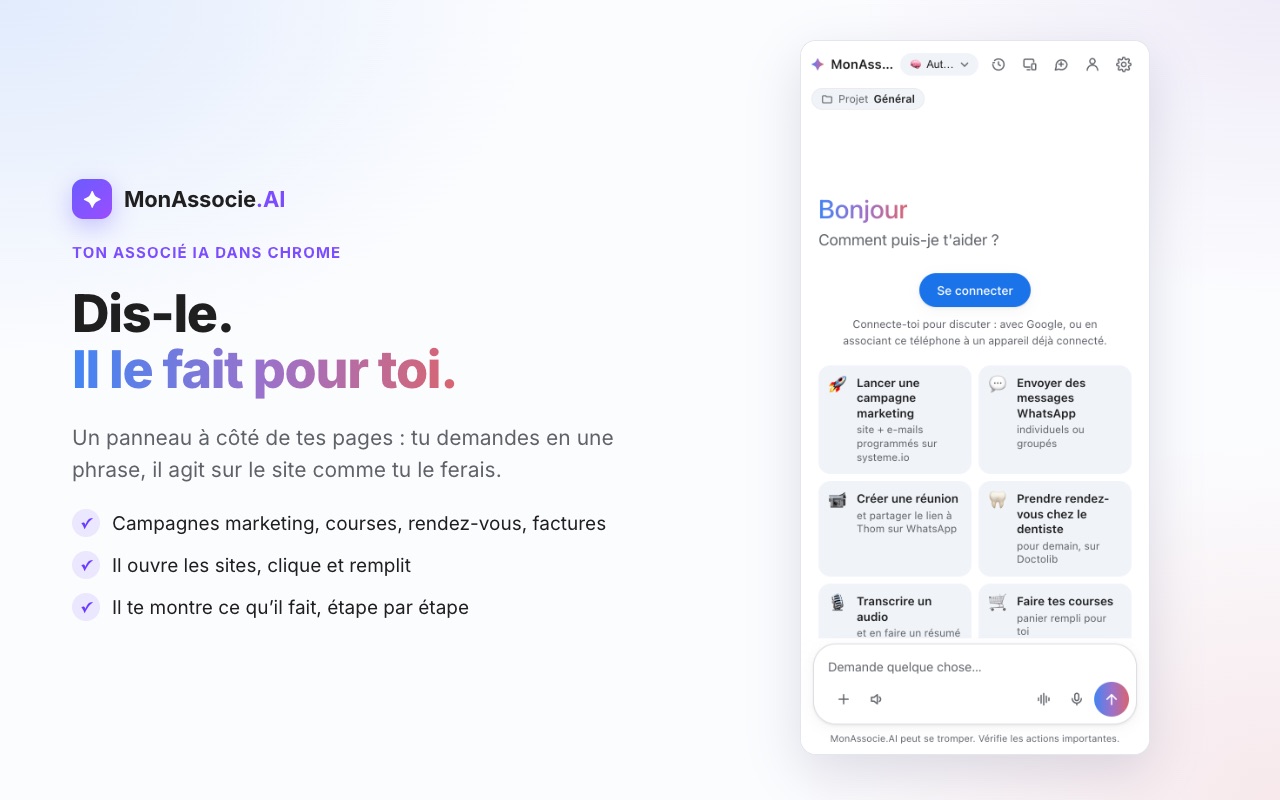
Assistant that drives Chrome or Edge via a browser extension, asking before key actions
Runs locallyVerify a running web app from inside: look, act, observe and assert, without screenshots
Runs locally
Puts browser and dev-server logs on one clock so agents can match errors to stack traces
Runs locally
Check what a website allows agents to do before retrying a blocked web step
Not checked yet
Let an AI agent drive Android, iOS, TV and web apps, and save the steps as test suites
Runs locally
Approve agent actions from your phone; sandboxed browser vault with saved logins
Runs locally
Publish, play-test and fix HTML5 browser games on klyo from Claude, ChatGPT or Cursor
Not checked yetSee every kind of AI for browser automation: tools, agents, MCP servers and skills.Ranked: the best AI for browser automation.