SkipVid vs to teach
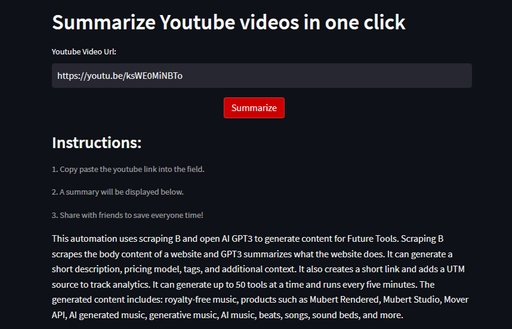
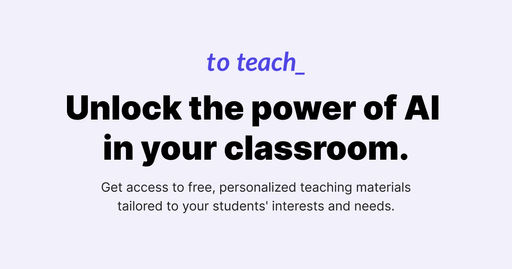
SkipVid is a free AI tool for research. to teach is a freemium AI tool for productivity.
- SkipVid is free, while to teach is freemium.
- to teach is best for drafting a lesson plan and matching worksheets for an upcoming class.
- What it is
- SkipVid is a free AI tool for research.to teach is a freemium AI tool for productivity.
- Best for
- Drafting a lesson plan and matching worksheets for an upcoming class
- Kind
- ToolTool
- Pricing
- FreeFreemium, from $5 a month
- Platforms
- Web, API
- Good for
- Drafting a lesson plan and matching worksheets for an upcoming class; Converting a video used in class into a printable worksheet; Creating H5P interactive activities for a Moodle course
What SkipVid does
What to teach does
Lesson plan generation
Builds a full lesson plan with accompanying materials from a single topic idea.
YouTube to worksheet
Turns a video link into a worksheet based on its content.
Varied activity types
Creates gap-fill, multiple-choice, true-or-false, quizzes and presentations.
Editable outputs
Lets teachers revise generated texts and tasks before using them with a class.
Multiple export formats
Exports as PDF, H5P or DOCX and sends to Canva, Google Classroom or fobizz.
Curated resource library
Provides more than 10,000 resources made or reviewed by the in-house education team.
SkipVid vs to teach: questions
Is SkipVid or to teach cheaper?
SkipVid is the cheaper option: it is free.
What is the difference between SkipVid and to teach?
SkipVid is a free AI tool for research. to teach is a freemium AI tool for productivity. SkipVid is free, while to teach is freemium.