BrowseGPT
Chrome extension that lets an AI model click and type through web tasks from plain English
- Pricing
- Open source
- Platforms
- Chrome extension, self-hosted
- Listing updated
- today
Similar agents



About BrowseGPT
BrowseGPT is an open-source agent for research. It is available on Chrome extension and self-hosted.
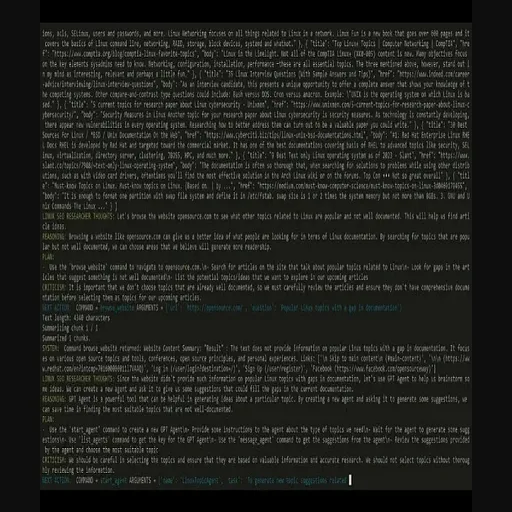
The README and site describe BrowseGPT as a Chrome extension that works in the tab you already have open rather than launching a separate headless browser. You state a goal in ordinary language, and the extension turns the current page into a numbered list of links, buttons and inputs. A language model then returns one command at a time (click, type, navigate or done), along with the reason for each choice.
Each step shows the model's reasoning, which makes it easier to follow what it is attempting and to step in when it goes off track. The project uses Anthropic's Claude by default and can be switched to OpenAI GPT models. The extension and server code are on GitHub, and the server can be run locally with your own API key.
The product is aimed at people experimenting with AI web agents and at ad-hoc tasks such as searching travel sites or comparing products, not at repeatable tests or production scraping. The site itself labels it experimental and warns against using it on banking or checkout pages.
What it does
- Plain English task input
- You describe the outcome you want and the AI chooses which elements to click or fill in.
- Works in your own browser
- Actions run in the Chrome tab you already have open, without a separate headless browser.
- Claude or GPT models
- Uses Claude Haiku 4.5 by default and can be switched to OpenAI GPT models via an environment variable.
- Step-by-step reasoning
- Every action comes with the model's reason, so you can see and correct its course.
- Open source code
- Extension and server code are on GitHub and can be run locally with your own API key.
Good for
- Searching travel sites for dates and destinations
- Finding and comparing products on shopping sites
- Filling in search boxes and simple web forms
- Moving through multi-page flows without writing a script
- Experimenting with LLM-powered web agents
Pricing
Open source
Free and open source; you pay only for your own model API usage.
Prices change. Check browsegpt.ai before you buy.
BrowseGPT FAQ
Which AI models does BrowseGPT use?
It uses Anthropic's Claude (Claude Haiku 4.5 by default) and can be switched to OpenAI GPT models. The model can be overridden with an environment variable when running the server.
Is BrowseGPT free?
The product is free and open source. If you run the server yourself, you pay only for API usage with your own Anthropic or OpenAI key.
How does it differ from Selenium, Playwright or Puppeteer?
Those are scripting frameworks that need code with selectors for each step. BrowseGPT takes a plain English goal and the AI decides which elements to use inside your normal Chrome browser.
Is it safe to use?
The site calls it experimental. It can click the wrong thing or get stuck, and page content is sent to an AI model, so it advises against using it on private or banking and checkout pages.
What are the best alternatives to BrowseGPT?
The closest alternatives to BrowseGPT are MicroGPT, AutoGPT, Auto-GPT, desktop and gpt-researcher.
Where this comes from
- Description: written from the project's website.